
Training 1: Getting started
Fifteen minutes, one steel beam, start to report. Every number in the training chapters comes from running that exact calculation in the app. A calculation of yours with the same inputs gives the same results, unless a later version changes a default or a method; the chapters are tested against the app for that.
Sign in #
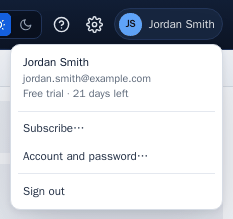
Sign in with your ILX account. During the 30-day free trial the account menu shows the days left.
The screen #
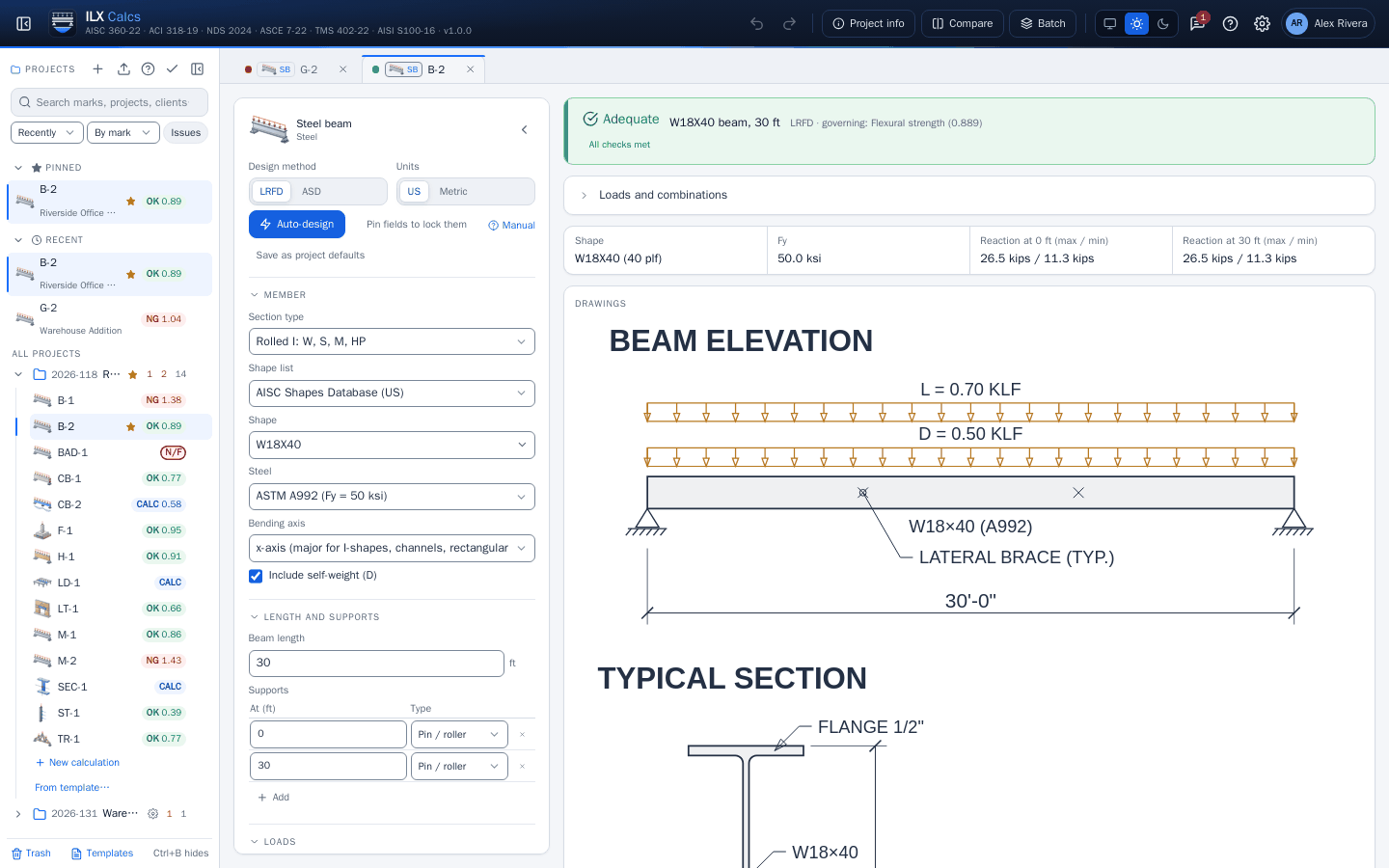
- Left: the project panel. Projects hold calculations, each with its status and governing ratio.
- Middle: the inputs of the open calculation. Results update as you type, and every change is saved.
- Right: the status, key results, drawings, the output buttons and the checks.
- Header: undo and redo, Project info, Compare, Batch, the theme, Support, this manual (? or F1), Settings and your account.
Your first calculation #
- Under a project, select New calculation. The Calculation type step shows a card with a picture for every type. Select Steel beam, then Next (or press Enter).
- The Configure step opens. Keep the cards W shape, Simple span and Continuous. On the right, the preview already designs the beam.
- Set the mark to
B-1and select Create.
Make sure these inputs are set. They are today's defaults, stated here so this walk-through stays true if a default changes:
| Input | Value |
|---|---|
| Section type | Rolled I: W, S, M, HP |
| Shape, Steel | W21X50, ASTM A992 (Fy = 50 ksi) |
| Beam length | 35 ft, pin / roller at 0 and 35 ft |
| Line loads | D = 0.45 kip/ft, L = 0.75 kip/ft, whole length |
| Self-weight | Included |
| Compression flange braced | Continuously |
| Deflection limits | Live load span / 360, total load span / 240 |
| Design method | LRFD |
What you get #
The status bar reads Adequate, W21X50 beam, 35 ft, governing Total load deflection at a ratio of 0.845.
| Check | Ratio |
|---|---|
| Flexural strength (AISC 360-22 F2) | 0.668 |
| Total load deflection | 0.845 |
The reaction at each end is 31.5 kips at most. Scroll down the results for the shear, moment and deflection diagrams.
Change the live load to 1.0 kip/ft, and the calculation and every drawing follow. Select undo (Ctrl+Z) to go back.
Print it #
Select Calc report (PDF) for the report and Drawing sheet for the sheet. The next chapter sets what they print.